Tax exports for
Bitcoin.Tax and beyond.
Export your complete transaction history as CSV. Bitcoin.Tax has a built-in Chain Glance importer for one-click setup. Other crypto-savvy tax software and accountants can work with the same export.
Bitcoin.Tax compatible · Complete history · All DeFi included
Chain Glance is a transaction tracker, not a tax calculator.
Chain Glance tracks your portfolio and exports transaction data. We don't calculate cost basis, capital gains, or tax liability. For tax calculations and form generation, please use dedicated tax software like Bitcoin.Tax or consult a crypto tax professional.
What you get
Every transaction. Every chain. One CSV.
Complete transaction history
- All trades and swaps
- Token transfers in/out
- DeFi deposits and withdrawals
- Staking and farming activity
- NFT transactions
- Gas fees per transaction
CSV export format
- Date and time of transaction
- Transaction type (swap, transfer, etc.)
- Tokens involved and amounts
- USD value at time of transaction
- Blockchain and wallet address
- Transaction hash for verification
Bitcoin.Tax integration
Four steps from wallet to filed taxes.
Connect your wallets
Add wallet addresses to Chain Glance. We automatically track all your transactions across 60+ blockchains.
Download your CSV
From the Transactions page, select your tax-year date range and click Download CSV.
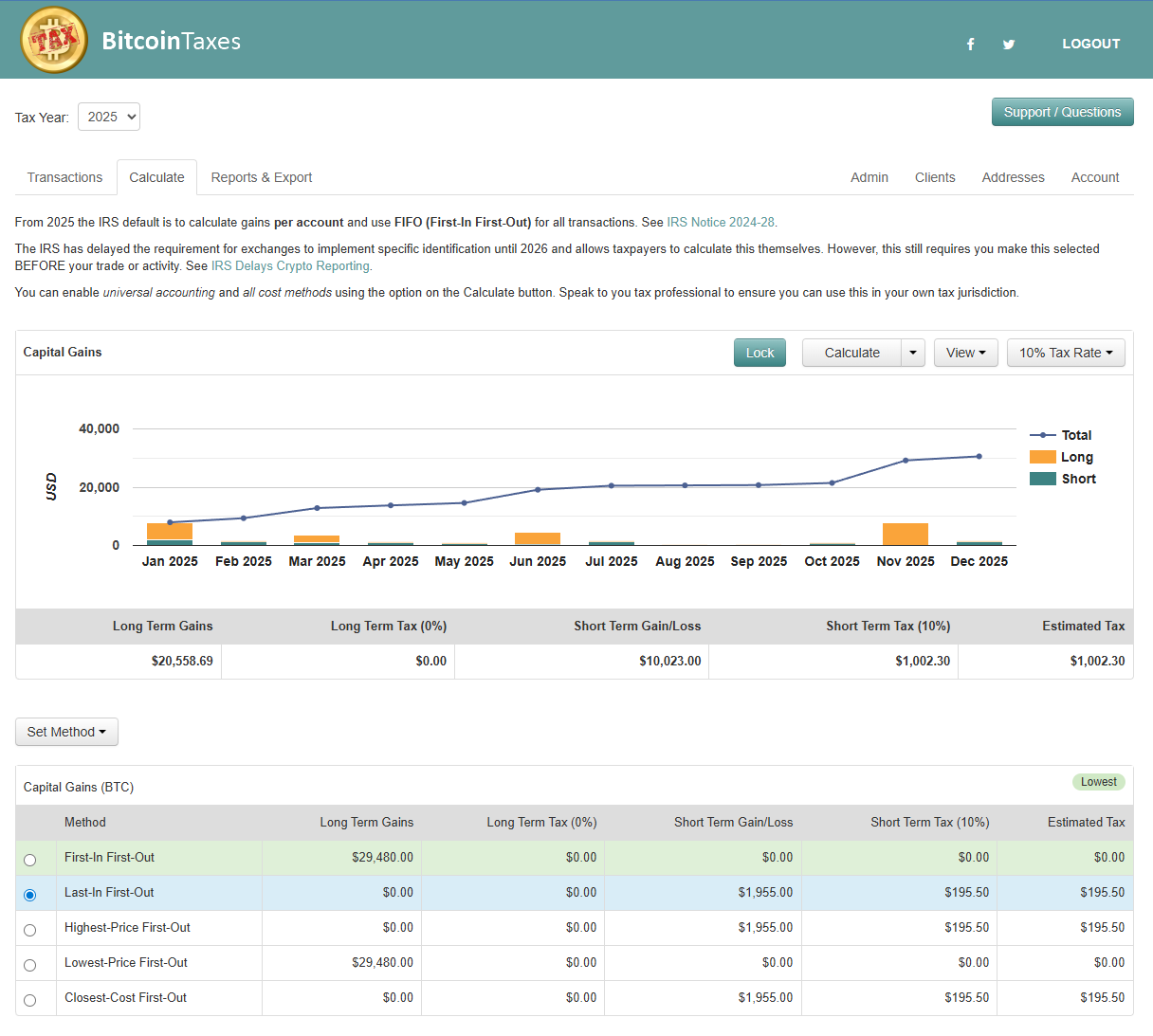
Import to Bitcoin.Tax
In Bitcoin.Tax, go to importers and select the Chain Glance importer. Upload your CSV.
Bitcoin.Tax processes it
Bitcoin.Tax calculates cost basis, capital gains/losses, and generates the tax forms you need.
Note: Bitcoin.Tax is a separate service and is not affiliated with Chain Glance. You'll need a Bitcoin.Tax account to use their tax calculation features.
Visit Bitcoin.TaxOther tax software
Generic CSV imports may also work.
Our CSV export format may be compatible with other crypto tax software platforms. Bitcoin.Tax is the only platform we know that offers a dedicated Chain Glance importer; for everything else, verify CSV compatibility with your tax software provider before purchasing.
Not sure what the export needs to cover?
Our crypto tax guide walks through the 2025 rules in detail: Form 1099-DA, the wallet-by-wallet tracking that Revenue Procedure 2024-28 now requires, and how DeFi, NFTs, staking and mining are each treated. It is educational material rather than tax advice, and it is free to read.
Frequently Asked Questions
Does Chain Glance calculate my taxes?
What's included in the CSV export?
Can I use the CSV with my accountant?
How far back does the transaction history go?
Does the export work for all blockchains?
Are my exchange trades in the export too?
What if I need help with the export?
Ready to export your transaction history?
Connect your wallets and have your complete crypto transaction history ready for tax software in minutes.
Bitcoin.Tax compatible · Free tier available · Export ready in minutes